PRSS publishes to GitHub, Netlify, Vercel and Firebase on its own. For anything else — your own server, an internal host, an S3 bucket — a publish script takes over the last step.
Set a publish script
Open Site Settings and enter the script in the Publish Script field. PRSS runs it after the site is built, with the output folder as its working directory, so it can copy or upload those files wherever you need.
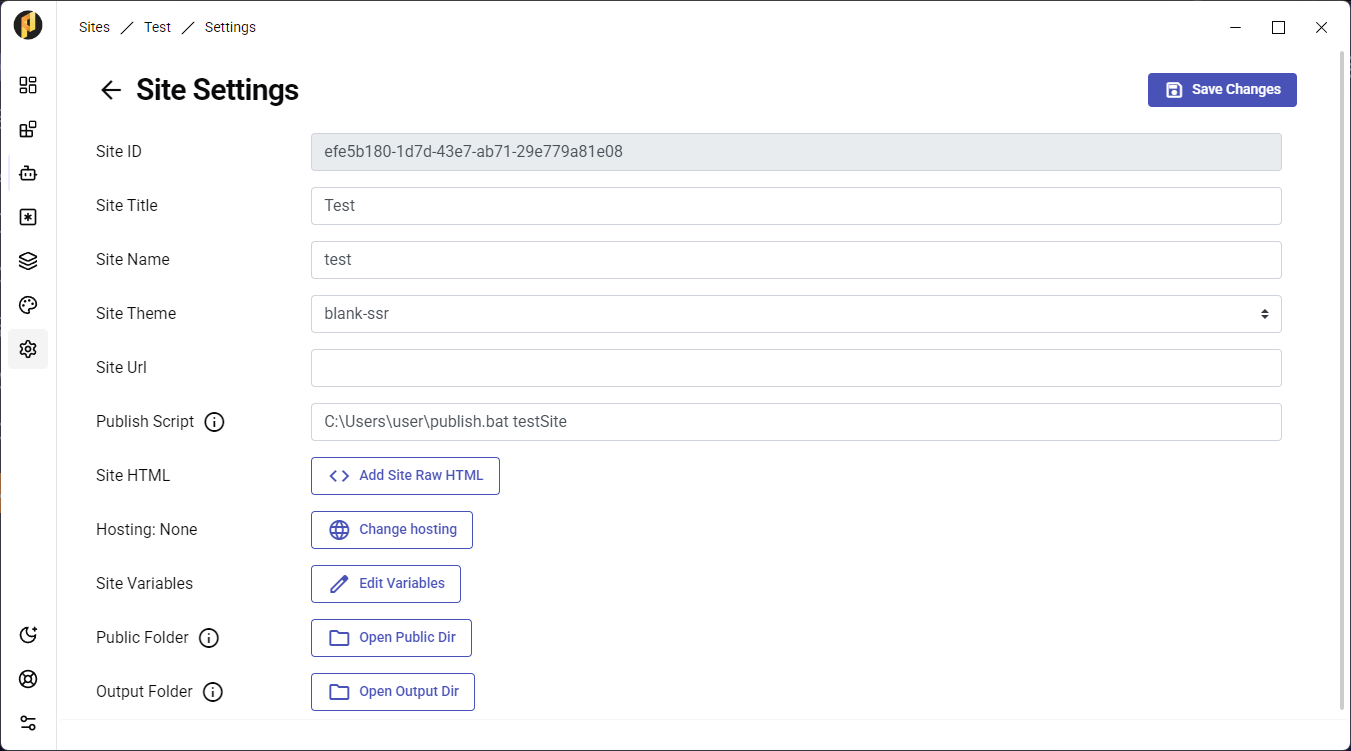
- The script runs after every build, so it is the right place to sync the output folder to a remote host or a git repository.
- If the site also has PRSS hosting configured, the script runs after that publish finishes.
- No account or registration is required — the script is yours and runs on your machine.