Clearing out drafts, imports or an old series does not have to be one post at a time.
Select and delete
Open your site's dashboard, click Posts, then Toggle Select in the top-right action bar. Tick the posts you want gone and click the trash can.
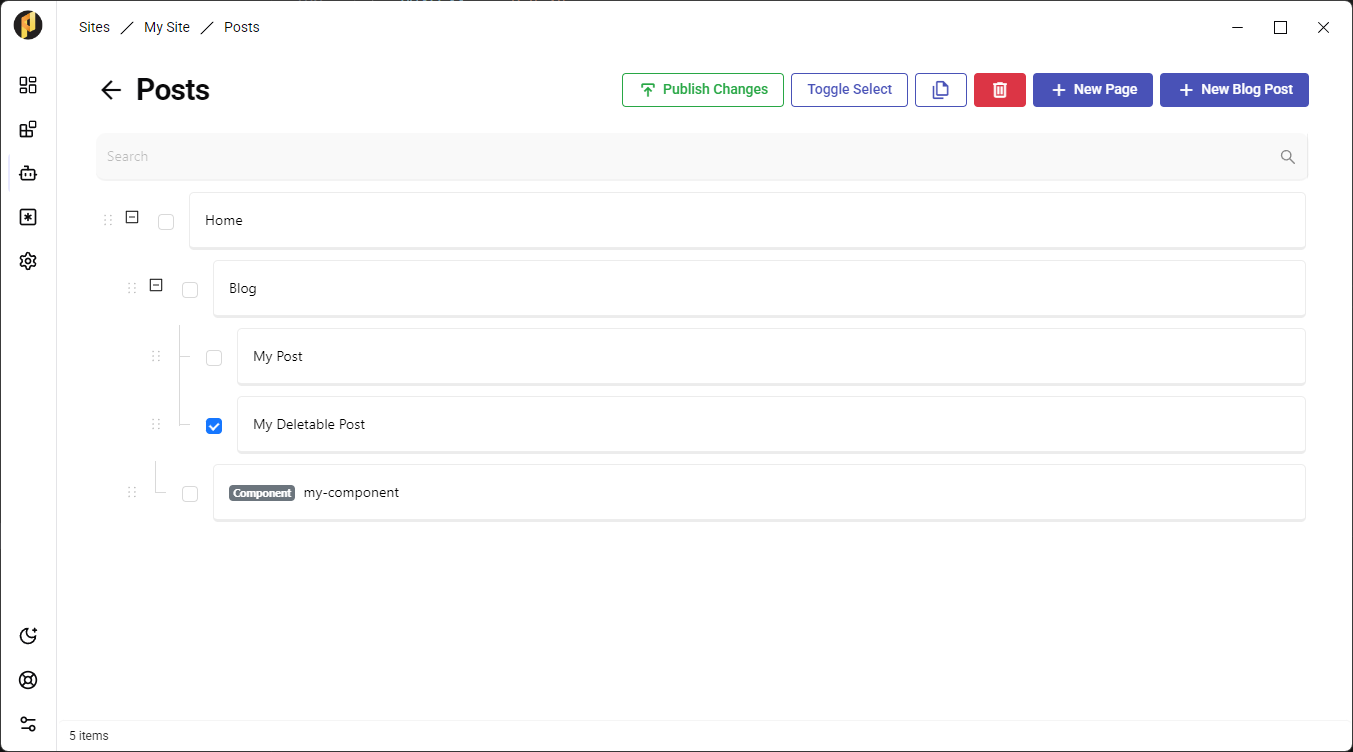
Deleted posts go to the Trash bin, where you can preview a post's content and restore it. Nothing is lost until you empty the bin.
- A single post can also be deleted from the post editor sidebar.
- Deleting content does not republish your site — publish when you are ready for the change to go live.