A component is a piece of content you write once and reuse anywhere — a call to action, a disclaimer, an author bio. Edit the component and every page carrying it updates.
1. Create a post for the component
Create a new post on your site. Any theme works; this walkthrough uses Blank SSR.
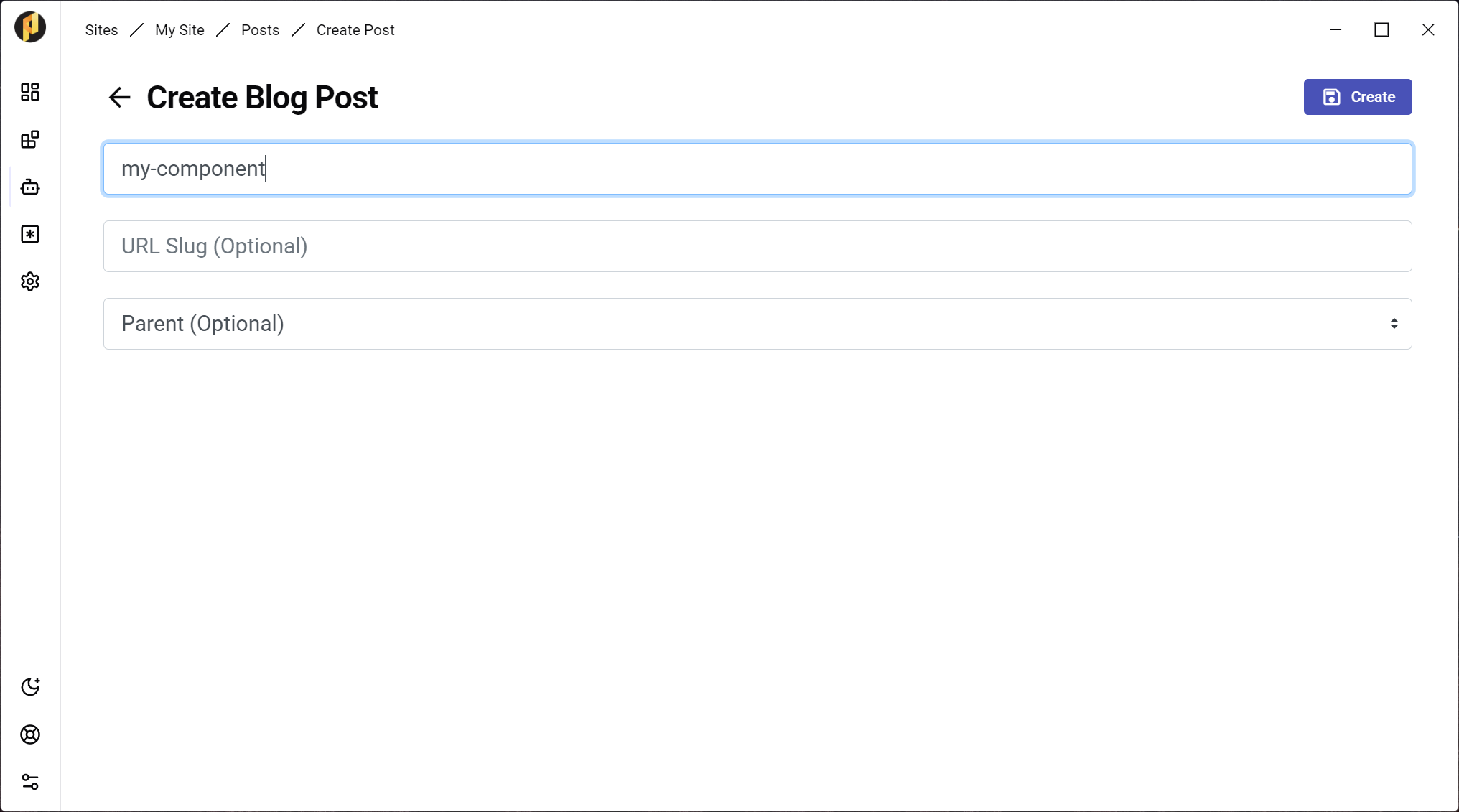
2. Set its template to "component"
In the post editor, choose component in the Template dropdown and save. The post's slug is the component's name, so keep it short.
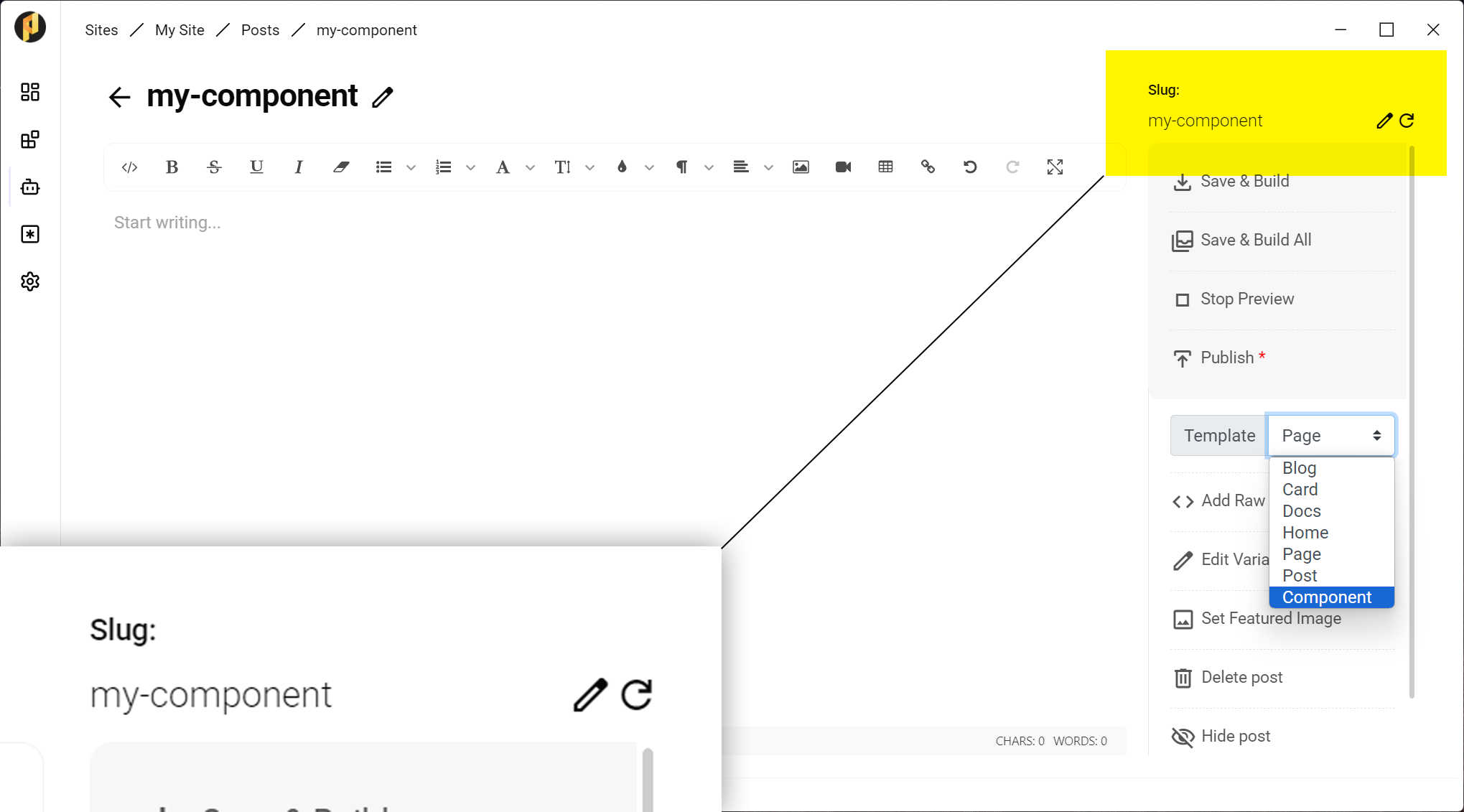
3. Write it
Fill the component in like any other page — blocks, images, whatever it needs. It is a normal post in every way except how it is used.
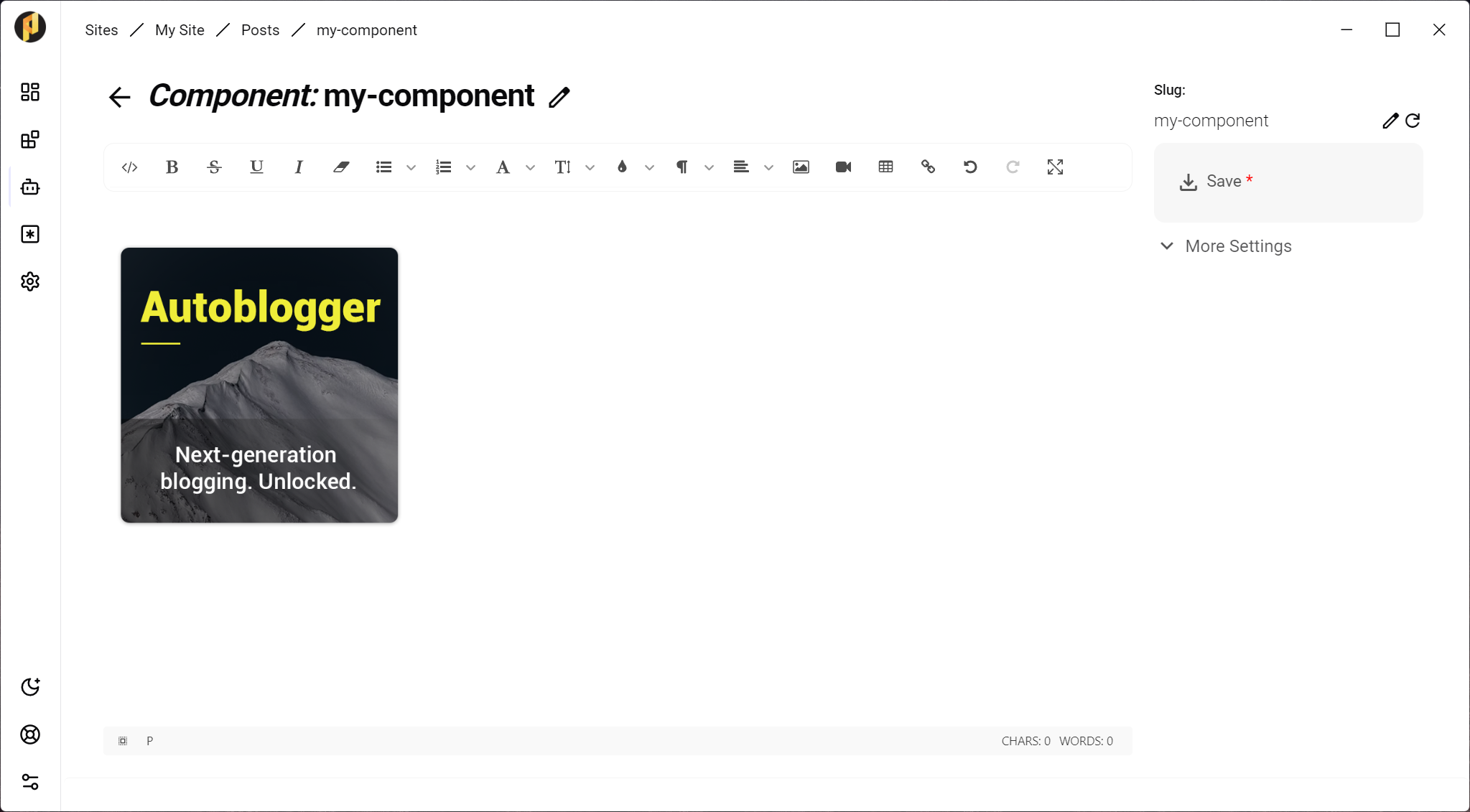
4. Use it in your pages
Add the component shortcode wherever it belongs. The Blocks editor also offers it as a Reusable Section block, so you can pick it from a list instead of typing the slug.
[component]my-component[/component]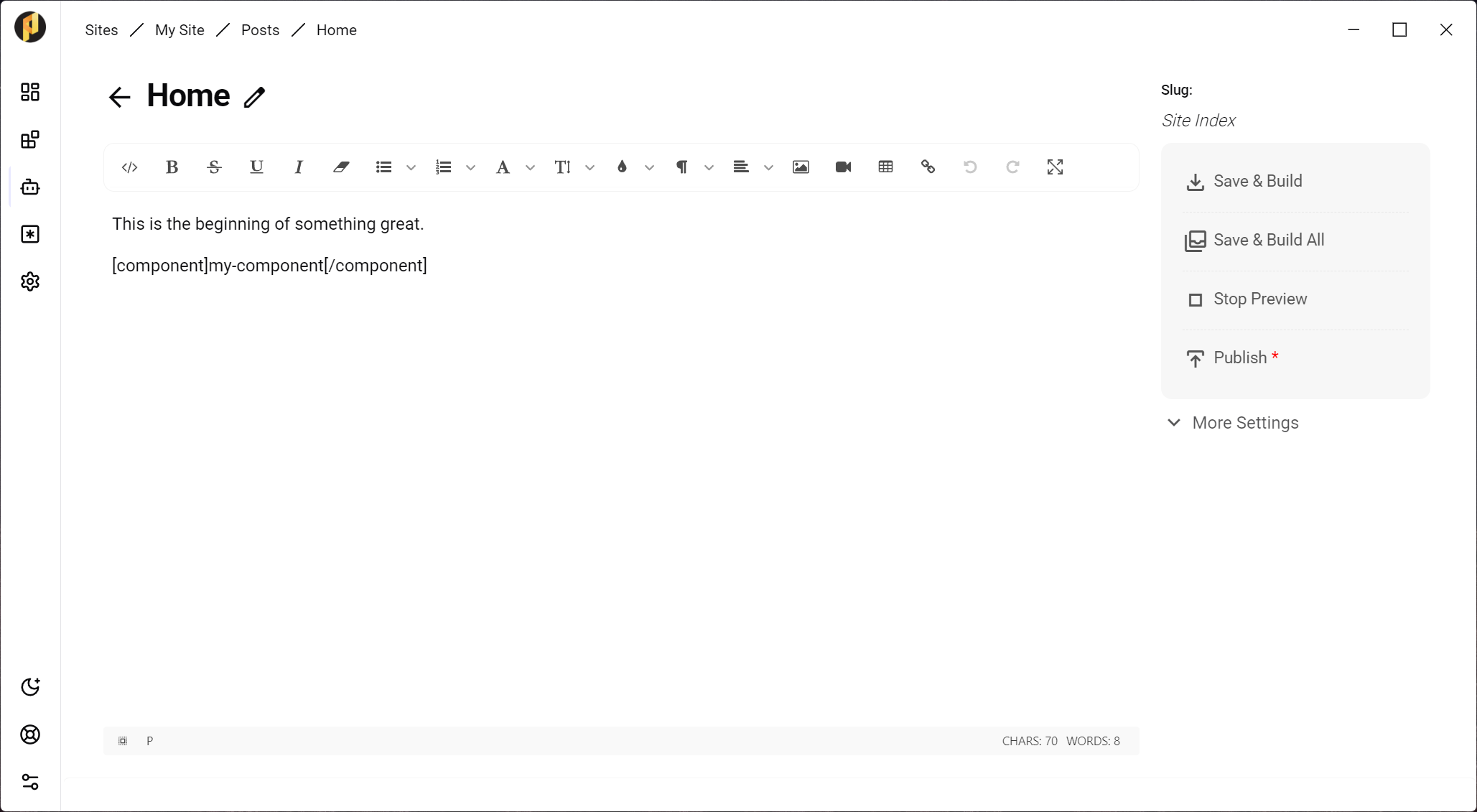
5. Preview
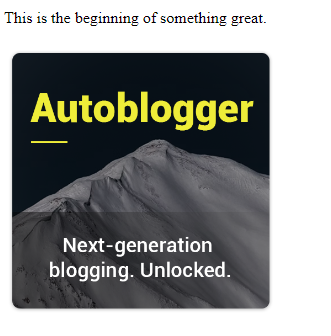
Preview the page. The component renders in place, exactly as it will publish.
Repeat a component across many pages
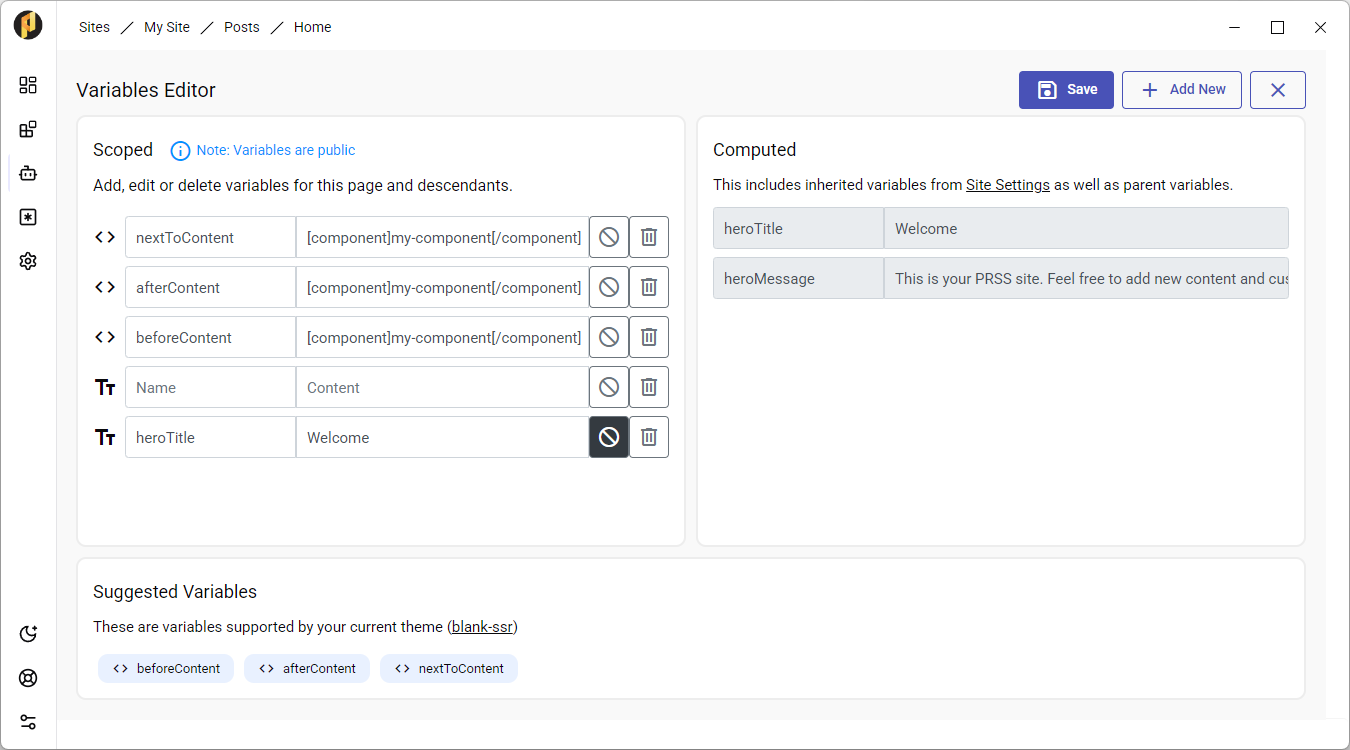
On the Blank SSR theme, the beforeContent, afterContent and nextToContent variables in the post editor sidebar let a component appear on every page without adding it to each one.
- Components carry their own header and footer HTML, appended to the site's head and to the end of the document.
- A component shortcode works inside site or post variables too — useful for theme slots such as asideHtml.