Companion started with Ollama and a hosted OpenAI key. It now talks to anything speaking the OpenAI API, which means the server you already run is the server PRSS will use.
What works
- Ollama, with the guided setup that installs it and a starter model for you.
- llama.cpp's llama-server.
- LM Studio.
- vLLM, LocalAI and anything else exposing an OpenAI-compatible endpoint.
- OpenAI itself, with your own key.
Setting it up
Enter the endpoint — usually http://localhost:8080/v1 for llama-server or LM Studio — name the model your server serves, and add an API key only if you started the server with one. The key field appears only for self-hosted endpoints, because a hosted key already travels in the connection field.
One deliberate limitation
Companion's start and stop buttons only appear for Ollama running on this machine. A remote Ollama belongs to someone else, and llama-server and friends are separate programs PRSS never launched — so it will not try to manage them.
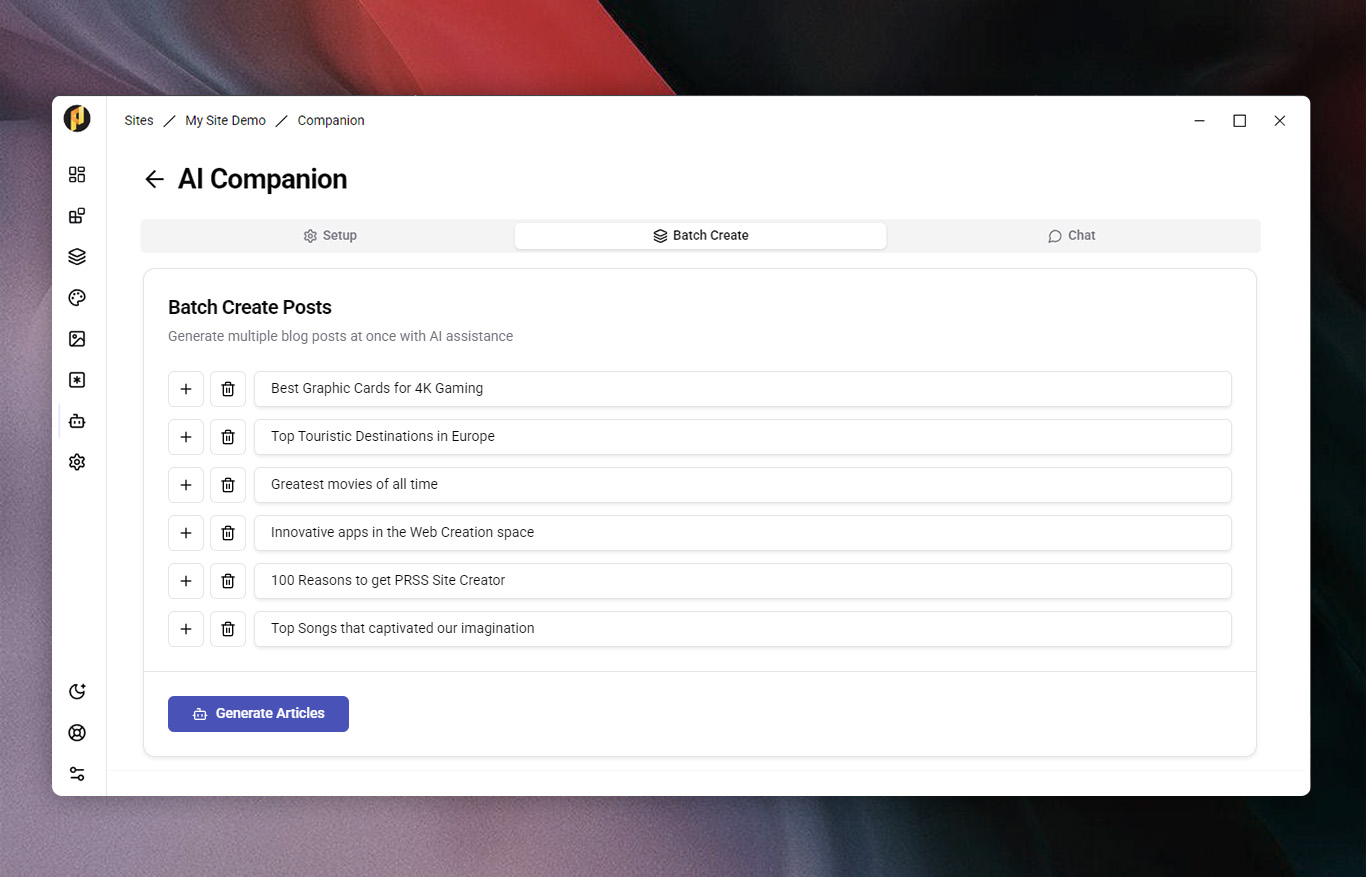
Batch Create landed alongside this: hand Companion a list of titles and it writes each article and files it under your blog page.